How to manage Facebook page orders without Excel: a step-by-step system
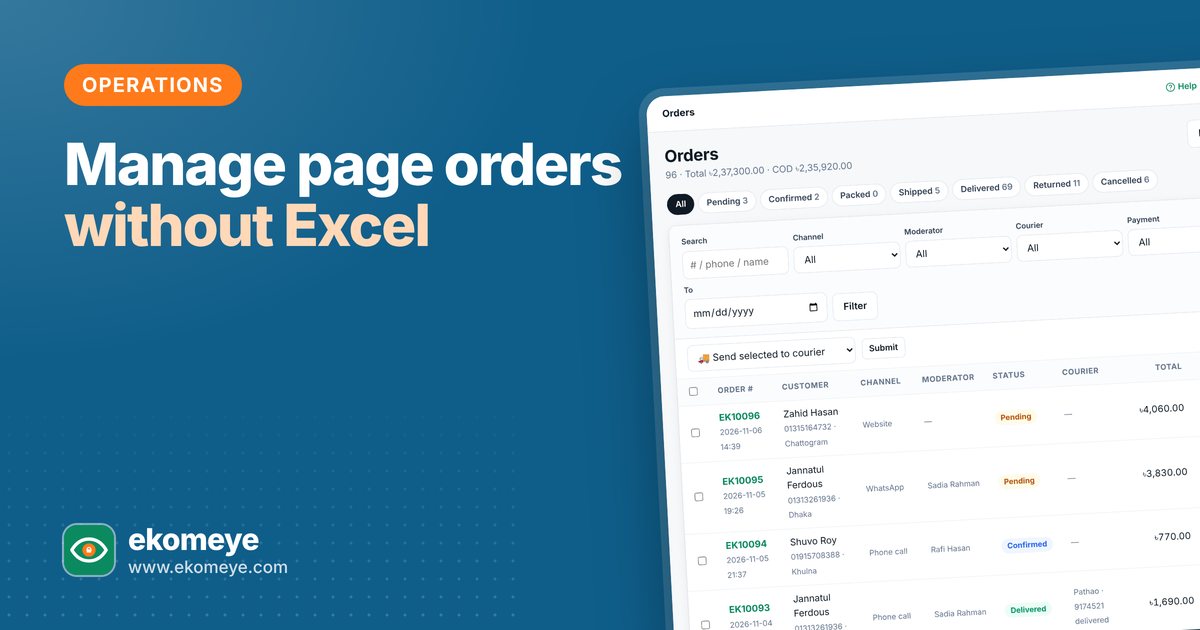
Most Facebook page businesses start with a notebook or an Excel sheet. It works for ten orders a day. At fifty, things start slipping: an order typed twice, a customer who was never called back, a parcel nobody knows the status of, COD money that does not match.
The fix is not a bigger spreadsheet. It is a clear order workflow where every order is always in exactly one stage, and everyone on the team can see it.
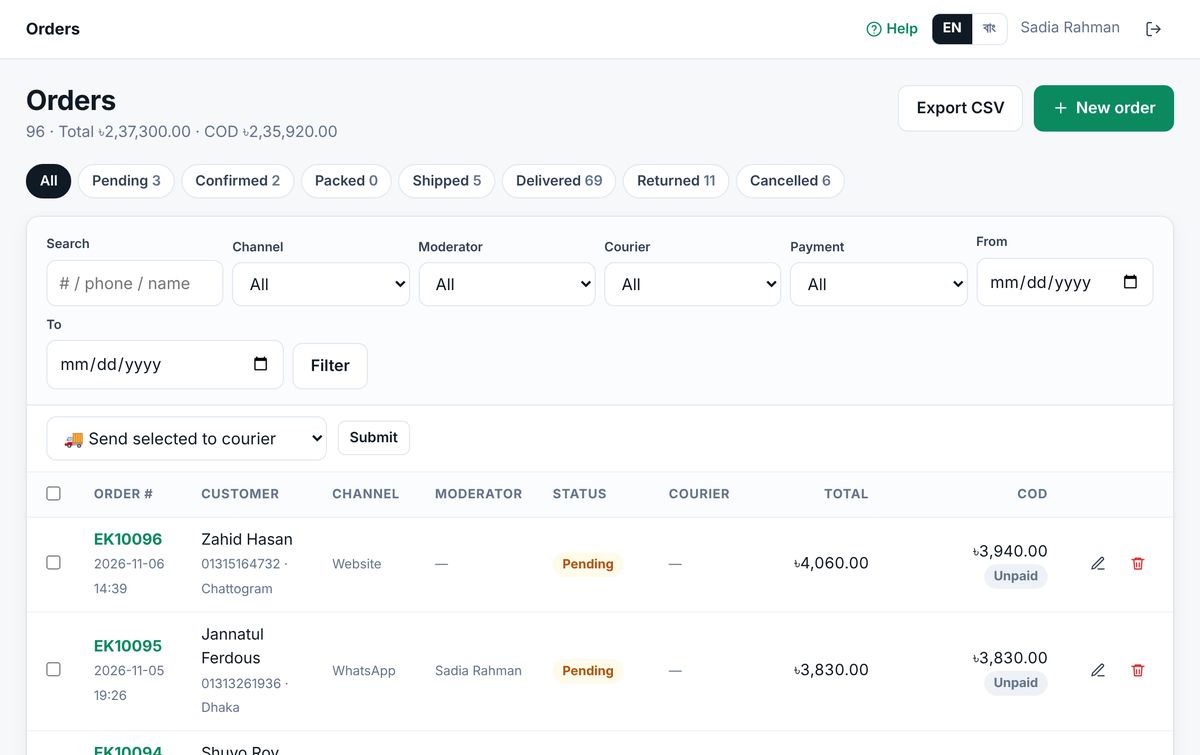
The five stages every order goes through
- Pending — the customer asked to buy; details captured, not yet confirmed.
- Confirmed — you called or messaged and the customer said yes; the stock is set aside.
- Packed — the parcel is ready to hand over.
- Shipped — handed to the courier with a tracking number.
- Delivered or Returned — the end of the road: COD collected, or stock back on the shelf.
Step 1: Capture the order once — where it happens
If the order comes from a chat, create it from the chat. Re-typing details from Messenger into Excel is where most mistakes start. Record the channel (Facebook, Instagram, WhatsApp, website, phone) so you know later which one actually sells.
Step 2: Check the customer before confirming
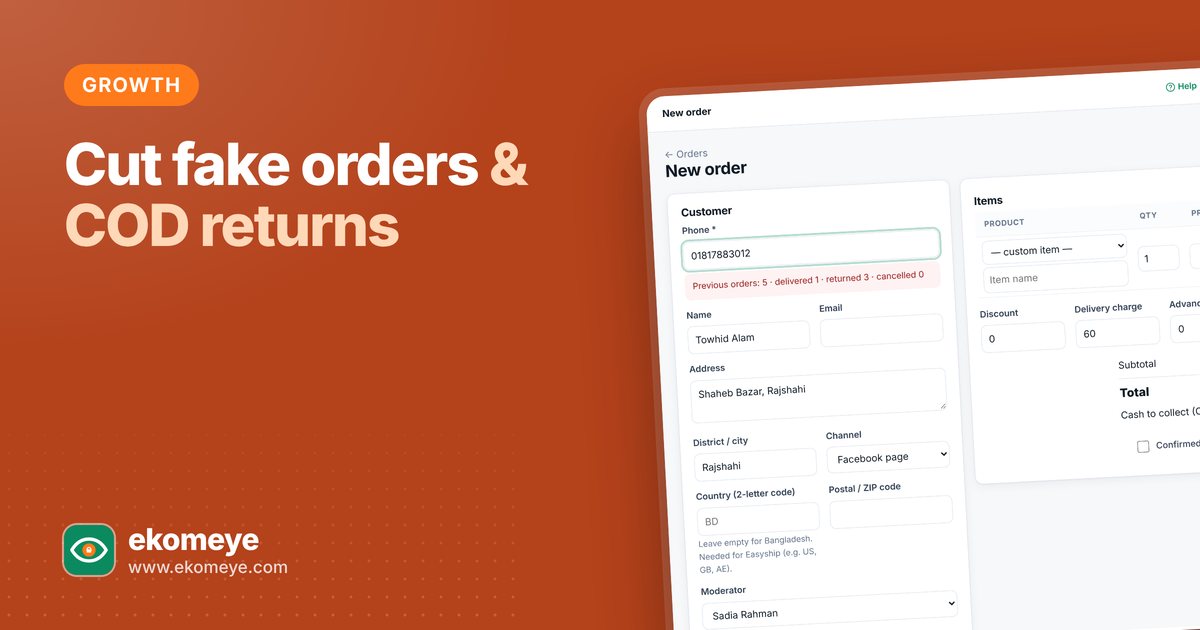
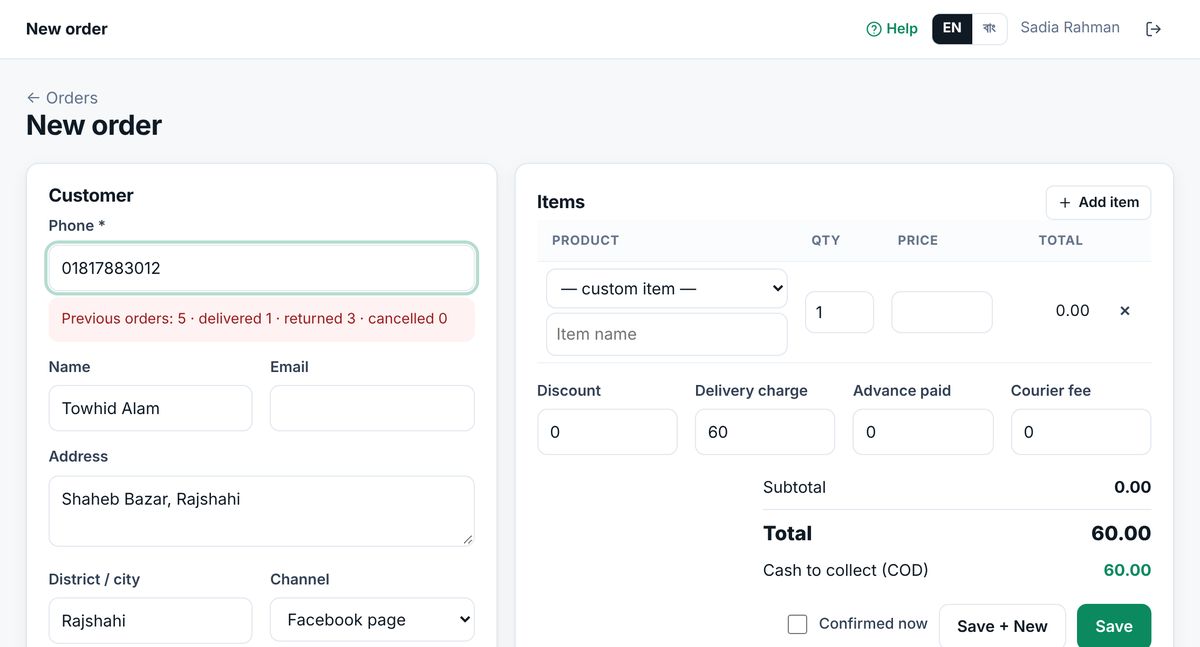
Type the phone number and look at their history. A customer with two or three returns needs an advance payment before you ship. This one check saves a lot of courier charges.
Step 3: Confirm the same day
Call or message every pending order within a few hours. Interest fades quickly. Moderators can use quick replies so confirmations sound the same every time.
Step 4: Book the courier in bulk
Select all packed orders and send them to the courier in one go. With Steadfast or Pathao connected, the tracking number comes back automatically and the status updates by itself — no more checking each parcel on the courier's website.
Step 5: Let COD post itself
When the courier marks a parcel delivered, the cash should land in your accounts automatically, minus the courier fee. When a parcel is returned, the stock should go back automatically. That is what keeps your profit numbers honest.
Signs you have outgrown Excel
- You cannot say today's pending orders without scrolling.
- Two moderators edit the same sheet and overwrite each other.
- You do not know your return rate this month.
- COD received from the courier never quite matches your sheet.
If two or more of these sound familiar, it is time for a proper system. Try ekomeye free — orders, couriers, stock and accounts in one place — or see the plans.
FAQ
Can I import my existing orders from Excel?
You can start fresh with new orders and add your customer list; past orders stay in your sheet for reference.
Which couriers are connected?
Steadfast and Pathao book and update automatically. Other couriers — including international ones — can be added with their tracking links.
Related: 7 practical ways to reduce fake orders and returns.