WhatsApp broadcast for online shops: send offers without getting blocked
Your customers may scroll past a Facebook post, but they open WhatsApp messages. That makes WhatsApp the strongest channel to bring past buyers back — and the easiest one to misuse. Send too much, to the wrong people, and customers block you. Enough blocks and Meta limits your number.
Personal broadcast lists vs the WhatsApp Business Platform
The broadcast list in the WhatsApp Business app only reaches people who have saved your number, and it is sent from your phone one list at a time. For a shop with hundreds or thousands of customers, the WhatsApp Business Platform (the official API) is the reliable way: messages go out from your business number, every customer is addressed by name, and replies come back to your shared inbox.
The rules you must follow
- Opt-in first. Only message customers who agreed to hear from you — for example, by ordering and giving their number for updates, or by messaging you on WhatsApp.
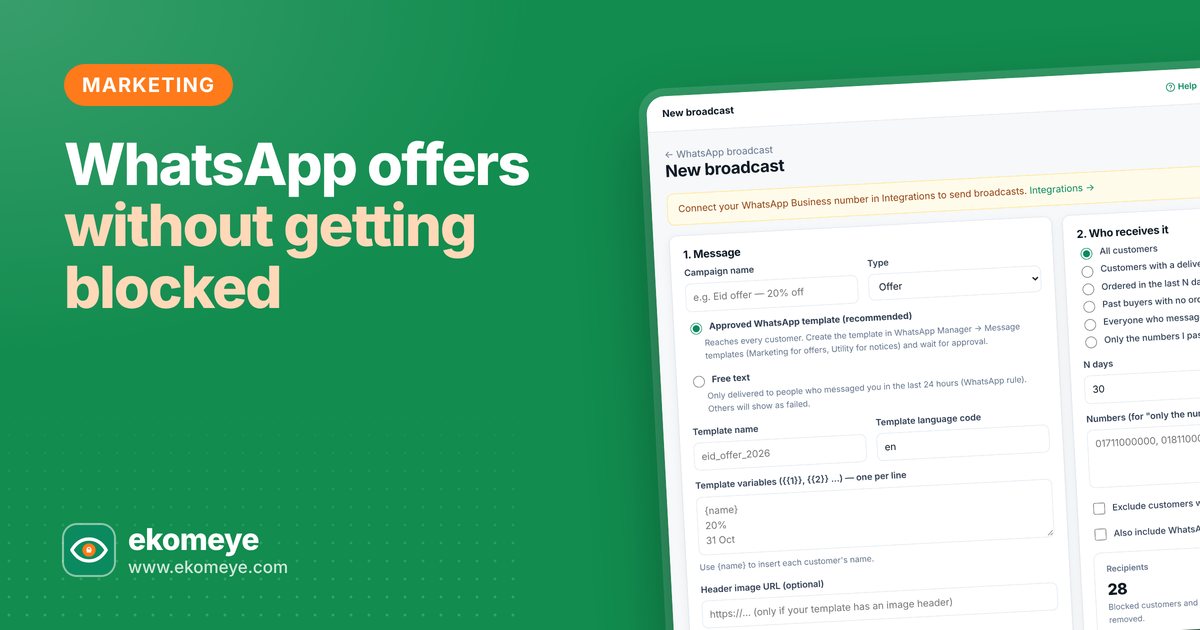
- Use approved templates. Messages outside the 24-hour customer service window must use a message template that Meta has approved. You create them in WhatsApp Manager — for example "Eid offer" or "Order shipped".
- Make stopping easy. Tell customers they can reply STOP — and respect it immediately.
- Expect a cost. Meta charges your WhatsApp account per marketing and utility template message; replies within 24 hours of the customer's message are free. Check current prices in WhatsApp Manager.
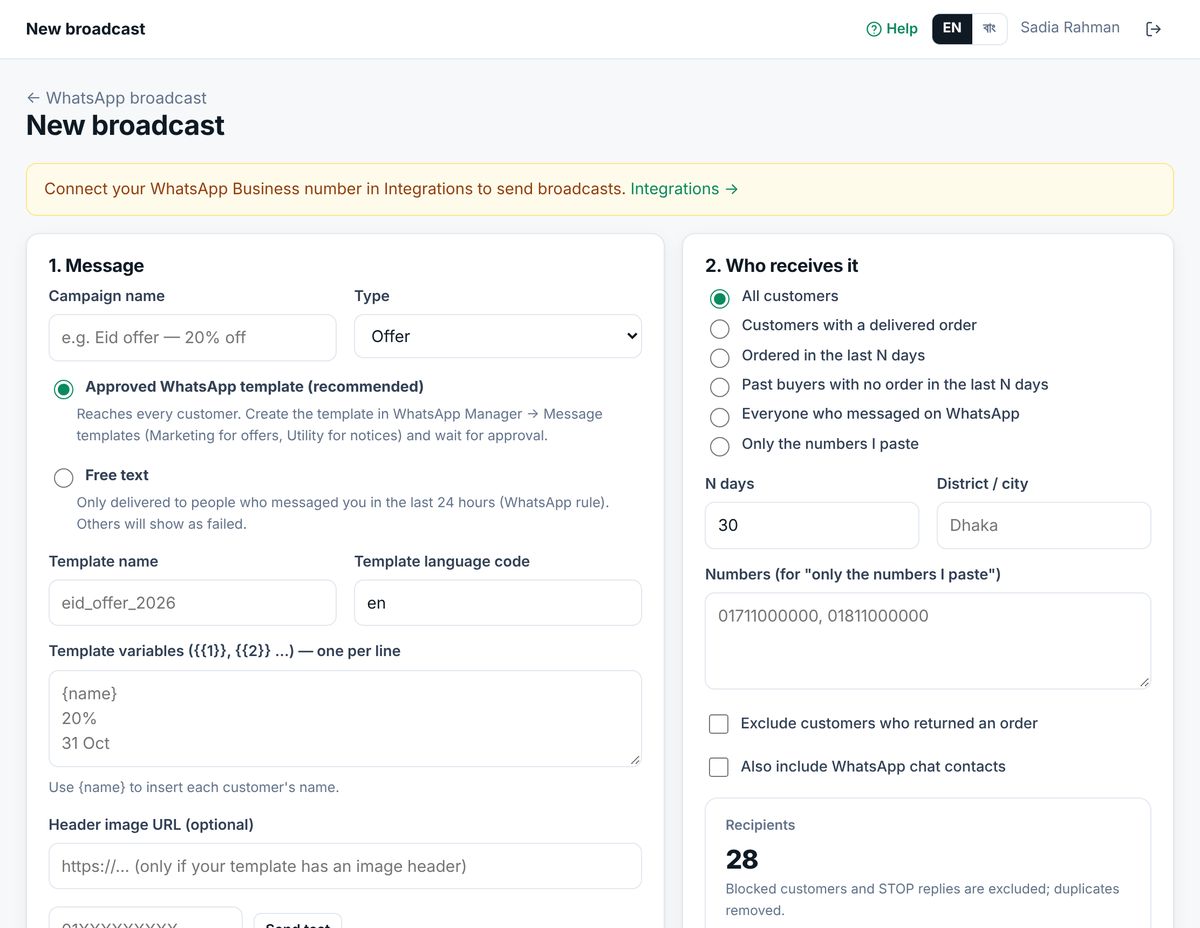
Who to send to
Targeting matters more than wording. Good audiences:
- Customers with at least one delivered order — they trust you already.
- Buyers who have not ordered in the last 60–90 days — a "we miss you" offer.
- Customers from one city or district — for a local delivery offer.
And exclude customers who returned orders, and anyone who opted out.
Write messages people want
- Use their name. "Hi Nusrat, 20% off our new Eid collection" beats "Dear customer".
- One clear offer. One product or one discount, one deadline.
- Add a picture. Templates with an image header usually get more replies.
- Tell them what to do. "Reply with the size you want" works well because the reply lands in your inbox, ready to become an order.
How often?
For most shops, two to four marketing messages a month is plenty. Order updates (confirmed, shipped, delivered) can go every time — customers value them.
Keep your number healthy
Meta gives every WhatsApp business number a quality rating based on how customers react. Many blocks or reports lower it and can reduce how many customers you can message each day. Good targeting, opt-in and easy opt-out keep it high.
In ekomeye, WhatsApp broadcasts use your own approved templates, personalise each message with the customer's name, skip customers who replied STOP, and show delivery and read status. Start your free trial and connect WhatsApp in Integrations.
FAQ
Do I pay ekomeye for each message?
No. Meta bills your own WhatsApp account directly for template messages; ekomeye does not add a fee.
Can I keep using WhatsApp on my phone?
Yes — connect your number with "keep using the WhatsApp Business app", and chats appear in both places.