Inventory management for small online shops: sizes, colours, damage and expiry
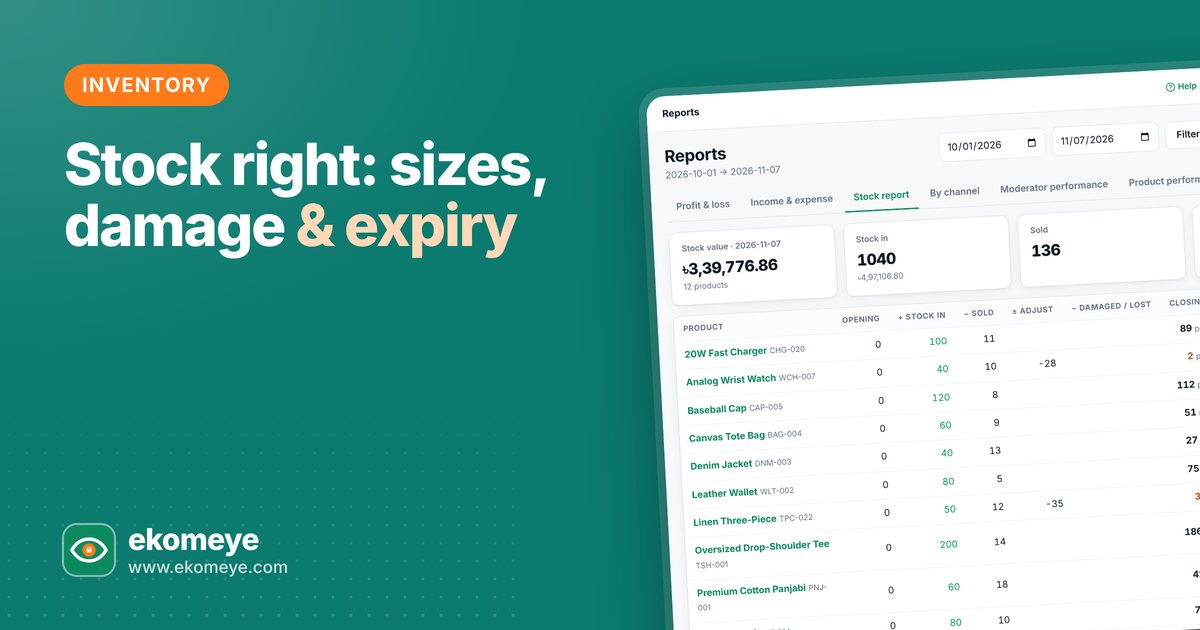
Nothing frustrates a customer more than "sorry, that size just finished" — after they have already confirmed. For an online shop, wrong stock numbers mean cancelled orders, angry customers and money tied up in products that do not sell.
Good inventory management for a small shop is not complicated. It comes down to five things.
1. Track stock per variant, not per product
"Cotton Panjabi — 40 pcs" is useless if 30 of them are size XXL. Create the product once, then add variants for each size and colour combination. Each variant has its own stock and SKU, and when a customer orders "M / Blue", only that one goes down.
2. Let orders move the stock
Stock should go down when an order is confirmed, not when you remember to update a sheet. And it should come back automatically when a parcel is returned or the order is cancelled. Manual updates are where stock numbers drift.
3. Record damage and loss honestly
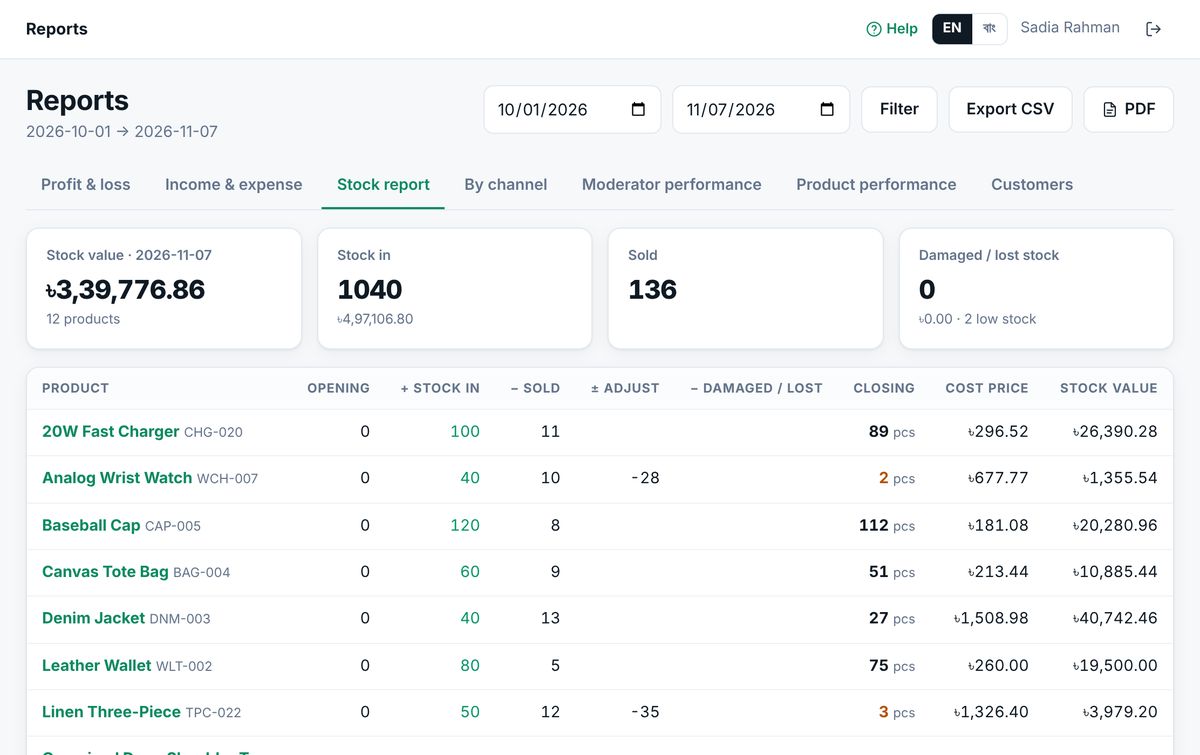
Torn packaging, a stained shirt, a missing item after counting — these happen in every shop. Record them as damage or lost with the date and a note instead of quietly fixing the number. That way your stock is right and you can see how much money is lost each month.
4. Watch expiry dates
For cosmetics, food, supplements and medicines, the expiry date matters as much as the quantity. Record it on stock in, filter "expiring soon", and run an offer on those items before they are wasted.
5. Count, compare, adjust — monthly
Once a month, count what is on the shelf and compare it with the system. Fix differences with an adjustment that has a note, so you can see later why the number changed.
Set low-stock alerts at the right level
A simple rule: alert when stock falls below what you sell in the time it takes to restock. If you sell 5 a day and your supplier needs 6 days, set the alert at 30 or more.
Know your stock value
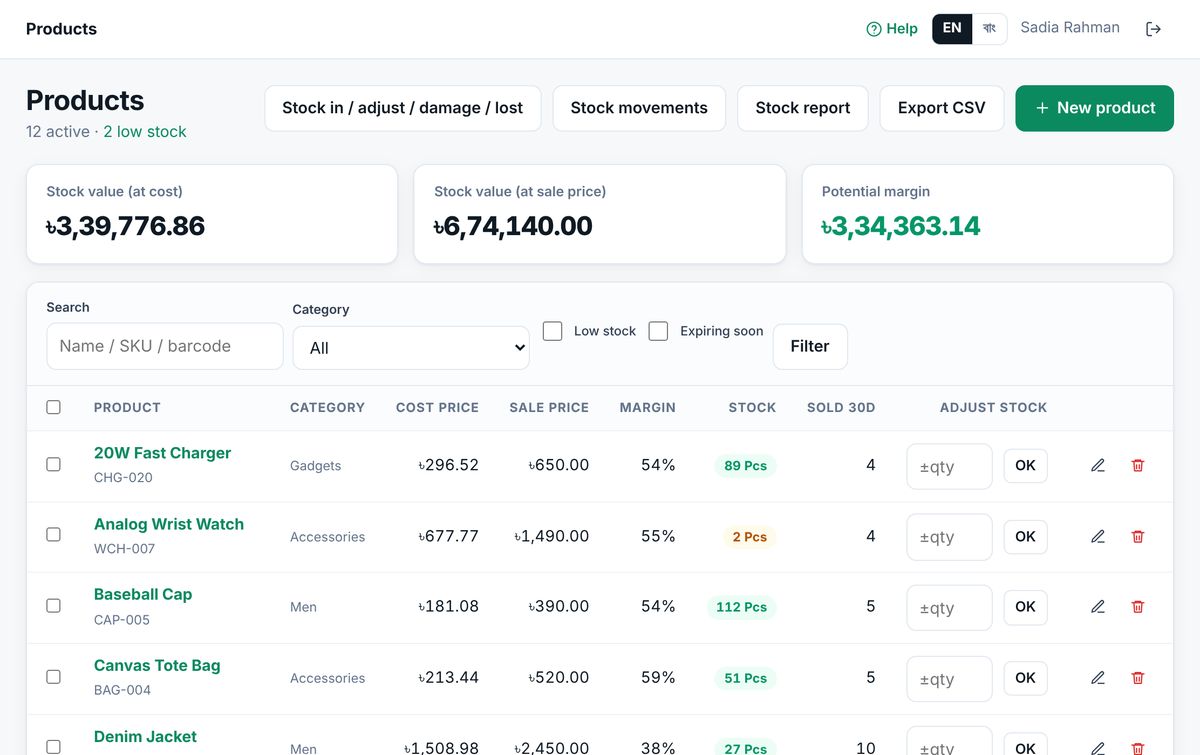
Stock is money sitting on a shelf. Knowing the total value at cost — and how much margin it holds at sale price — helps you decide when to stop buying and start running offers.
ekomeye tracks stock per variant, moves it automatically with orders and returns, and keeps a dated history of every stock in, adjustment, damage and loss. Try it free for 14 days.
FAQ
Can I add stock with a different purchase date?
Yes. Every stock movement has its own date, so stock-in entries made late still show on the right day in reports.
What about imported goods?
Receive the purchase and the stock goes up with the landed cost per unit. See landed cost explained.